What's New Since 8.2
Welcome to Corkulous /What's New Since 8.2Highlights since the 8.2 release: AI features, Agent improvements, Markdown Tables, frame styles, lifelike strings, larger boards, and more.
Corkulous 9.0 is now available on the App Store. This page covers the major user-facing changes across AI, board editing, export, and integrations, with links into the full documentation for each area.
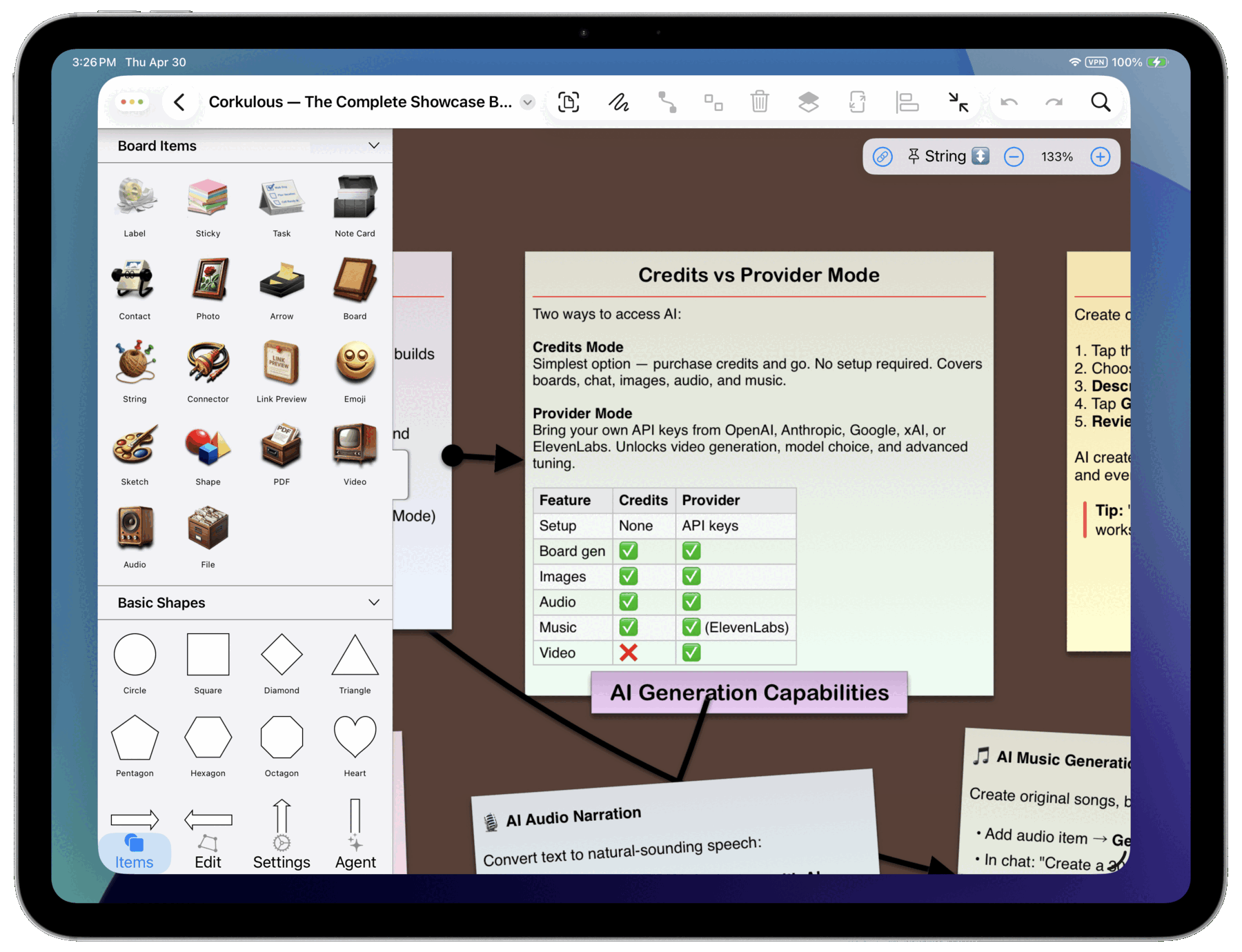
Two Ways to Use AI
Corkulous now offers two flexible ways to access AI features.
Credits Mode (Easy Start)
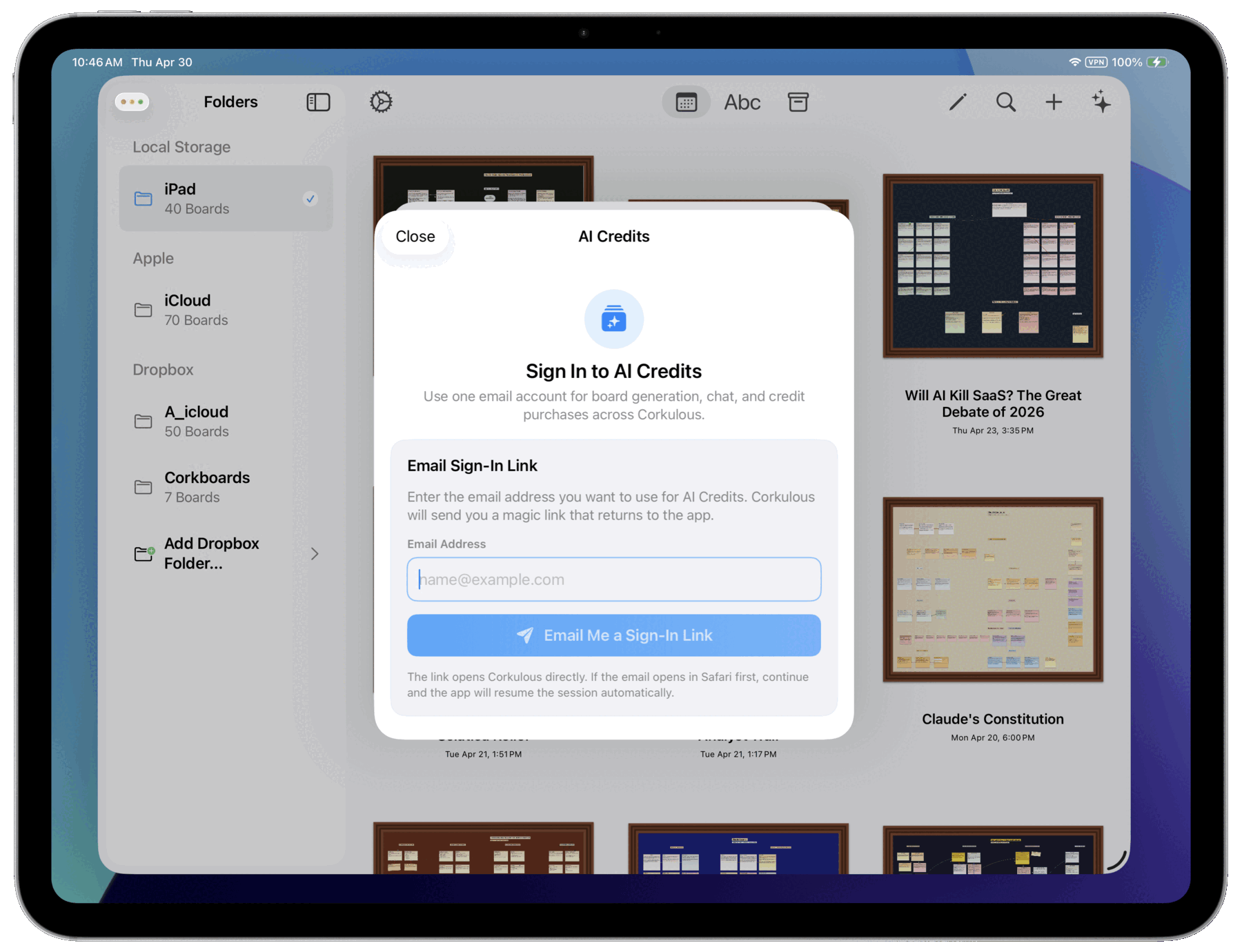
- Simple setup: Sign in with email, purchase credits, and start creating
- All the essentials: Includes web search, image generation, audio narration, and music generation
- No configuration: Perfect for getting started quickly without technical setup
- One shared balance: Credits are shared across all AI features
- Account controls: The Credits sheet includes balance, history, sign-out, and account deletion controls
Provider Mode (Bring Your Own Key)
- Use your own API keys: Connect providers like OpenAI, Anthropic, and others with Provider Mode
- Pick your models: Choose your preferred AI models for each task with model selection
- Advanced features: Access capabilities like video generation
- Full cost control: Manage your own costs and usage limits
- Built for power users: Ideal for power users and teams with provider API accounts, on Mac and on iPhone and iPad running iOS or iPadOS 26 or later; consumer chat subscriptions do not include API billing
Agent Improvements
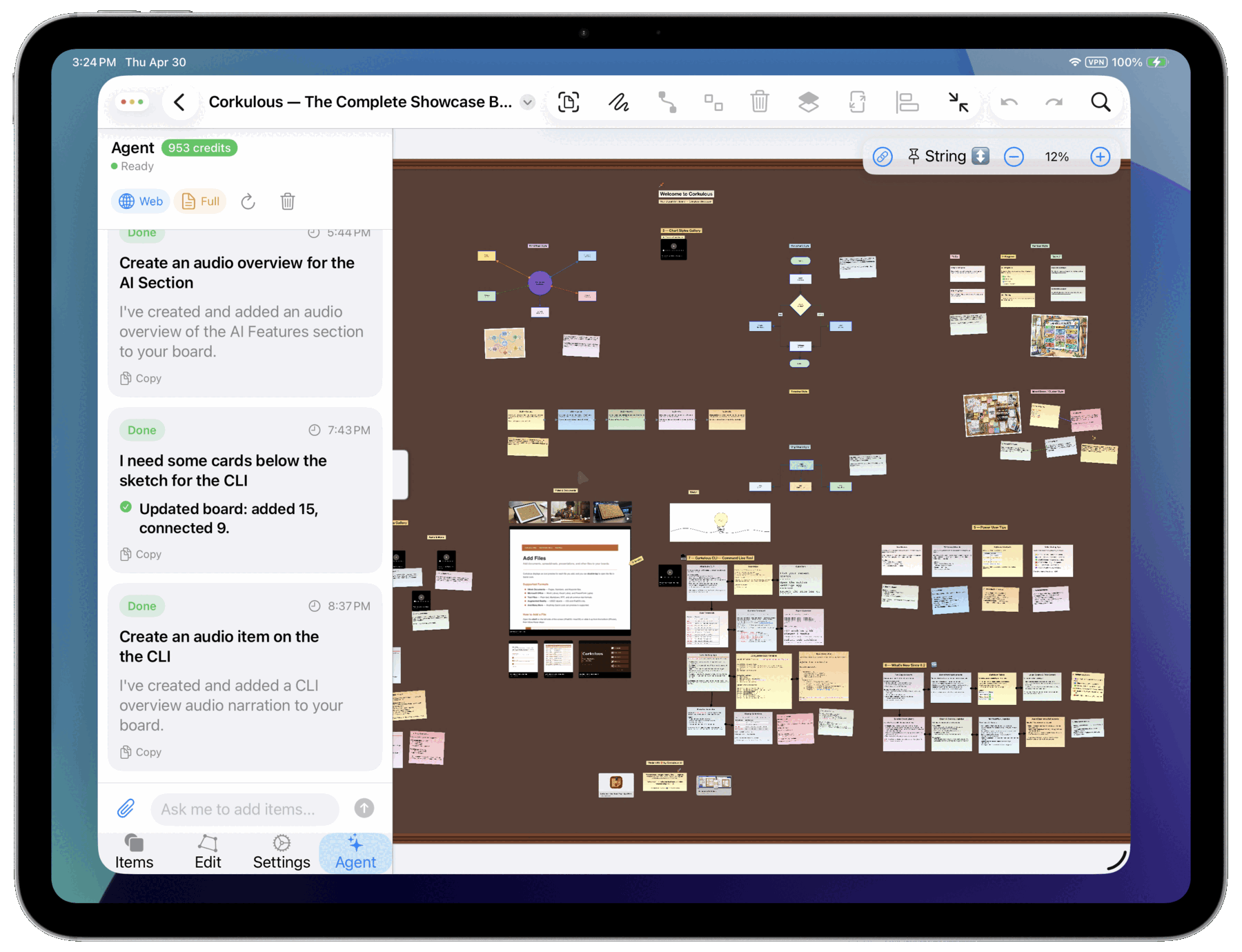
- Richer context: The Agent supports full or minimal context and more reliable update operations. See Agent.
- Undo support and duplicate prevention: When AI adds items to a board, you can undo, and duplicates are prevented.
- Better Markdown in responses: Agent responses render richer Markdown, including tables.
- Broader board updates: Agent-driven updates handle more item types and connection styles.
- Streaming responses: Live tool status, retries, and clearer progress while the Agent works.
- Better cancellation flows: Stop long-running generations safely.
- Background continuation and notifications: Longer audio and video jobs finish more reliably on Mac.
Markdown Tables
- Table rendering: Markdown tables render inside items and AI outputs. See Style text with Markdown.
- Table insertion action: Insert tables directly, with configurable table color settings.
- Translations: Table-related UI strings are localized.
Board Frame Styles
- Six frame styles: Choose Classic, Walnut, Oak, Gallery Black, Gallery White, or Gold from the new Frame section in board settings. The gallery styles include a clean inner mat, like a framed print.
- Consistent everywhere: Your chosen style appears on open boards, home-screen thumbnails, and boards nested inside other boards.
- No layout changes: Frames keep the same footprint in every style, so switching styles never moves your content.
Lifelike Strings and Pins
- Real rope, rendered with Metal: Strings draw as textured rope on the GPU, staying smooth even on boards with many connections.
- Natural drape: Strings hang and settle with physics as you move the items they connect.
- Detailed endpoints: End spools sit right on the rope tip, and push pins are lit dynamically as you pan the board.
- Tuned for busy boards: Rendering overhead is minimized when many strings and pins are on screen.
Larger Boards and Fit to Content
- Maximum board size doubled: Boards now grow up to 12,000 x 12,000 pixels.
- Fit to Board button: Instantly resize your board to fit all content from the toolbar. See board settings.
- Clearer size settings: Board size settings display actual pixel values.
- Tuned default zoom: Default zoom is optimized for large boards.
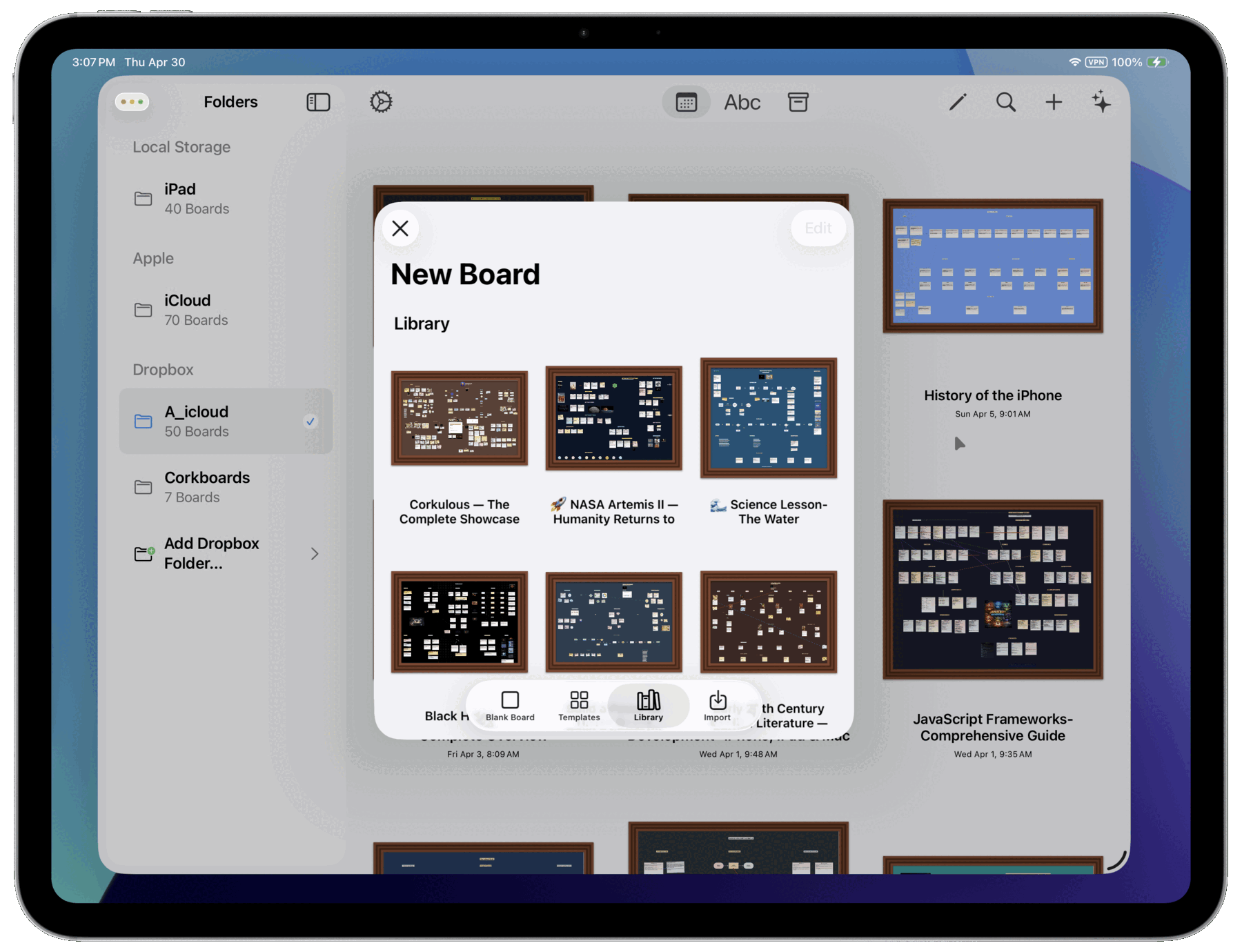
Bundled Board Library
- New Library tab: Browse bundled example boards in the board creation flow — open, duplicate, and adapt them.
- A large collection: Bundled boards span science, history, education, architecture, incident response, and creative formats.
- AI-generated showcase: Every bundled library board is AI-generated, so the library doubles as a showcase of what strong board generation can look like in Corkulous.
- Provider-based examples: Provider-based workflows are strongly represented, especially Anthropic and Opus-class generation, with some boards also created using Sonnet and OpenAI models.
- Provider Mode recommended: Use Provider Mode if you want to recreate boards in this style and control provider choice, orchestration, and model selection.
Export and Sharing
- HTML export upgrades: SVG shapes, accurate connectors, strings with textures, improved text alignment, and better label sizing. See Export boards.
- Interactive media: Audio, video, and files play directly in HTML exports.
- Nested boards: Sub-boards open inline within HTML exports.
- Editor-matched details: Photo borders and shape text alignment match the editor.
- HTML viewer export: View and zoom boards in any browser.
- Web Archive export: Bundle everything into a single shareable file on iPhone and iPad, or with the Mac command line tool.
Automation and Integrations
- Command Line Tool: Included on Mac for exporting boards and scripting repeated exports. The
batchcommand generates boards from a manifest. See Command Line Tool. - Terminal board generation: Generate boards with AI from Terminal using your preferred provider.
- Shortcuts actions: Automate boards with Apple Shortcuts. See Automation and Shortcut Actions.
- Collections: Organize boards into collections for better project management. See Managing boards.
Mac Workflow Upgrades
- Native CLI settings app: A full interface for providers, tools, worker controls, and advanced tuning. See Advanced Settings and Tools Configuration.
- Generate pane in CLI settings: Create boards with attachments and live progress without opening Terminal.
- Menu bar generator: One-click access to board generation from the Mac menu bar.
Other Notable Updates
- Redesigned Mac Preferences window: Easier navigation across settings. See Settings.
- Improved stability: Better performance across all platforms.
- Localization updates: Expanded language support.
Next > Supported Platforms
