
Sketch on a board
Draw directly on your board canvas with pens, markers, and shape detection.
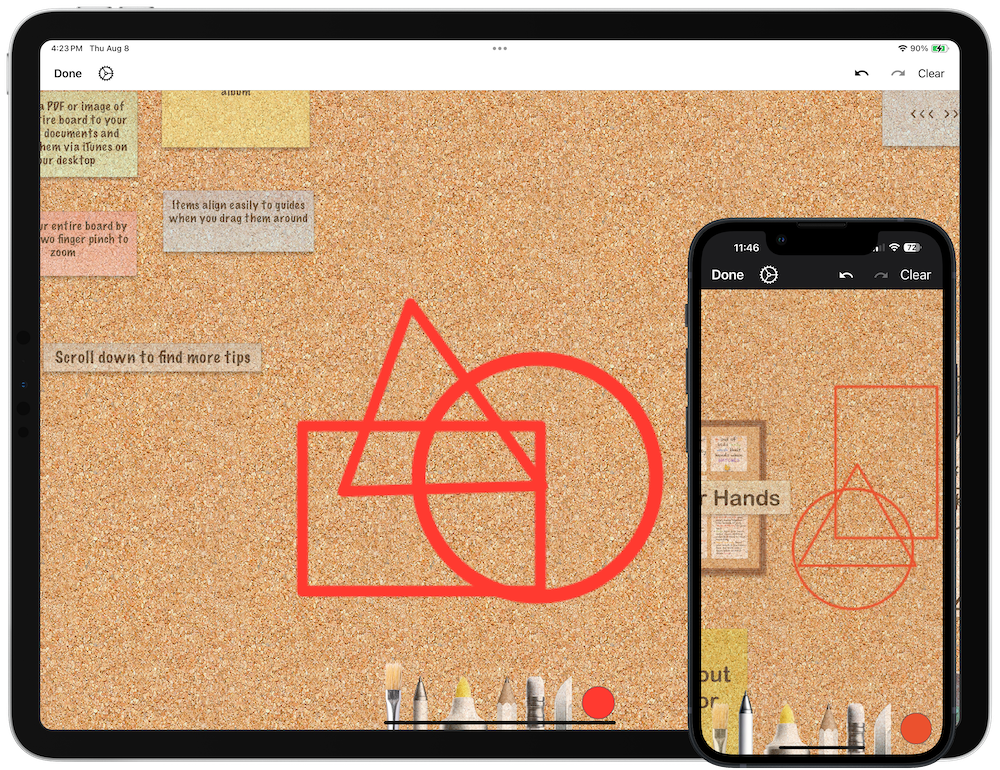
Draw freehand sketches directly on your board canvas — perfect for annotations, quick diagrams, or adding a personal touch.
Start Sketching
- iPad/Mac: Tap the sketch button in the navigation bar.
- iPhone: Tap the … button and select Draw on Board.
When you enter sketch mode, existing items fade to help you see your drawing clearly.
Drawing Tools
The sketch toolbar appears at the bottom with these tools:
- Pen and Pencil: Fine line drawing.
- Marker: Thick, translucent strokes.
- Eraser: Remove strokes.
- Color picker: Choose your stroke color.
See Add Sketches for detailed tool information.
Finish Sketching
Tap Done when you’re finished. Your drawing is saved directly to the board canvas.
Next > Style text with markdown
