
Now available: Corkulous 9.0 is on the App Store for iPhone, iPad, and Mac.
AI in Corkulous can help you start a board or work on one you have already built. Describe a topic, supply source material, or ask the Agent for a specific change. You choose how much of the work to hand over and keep editing the result yourself.
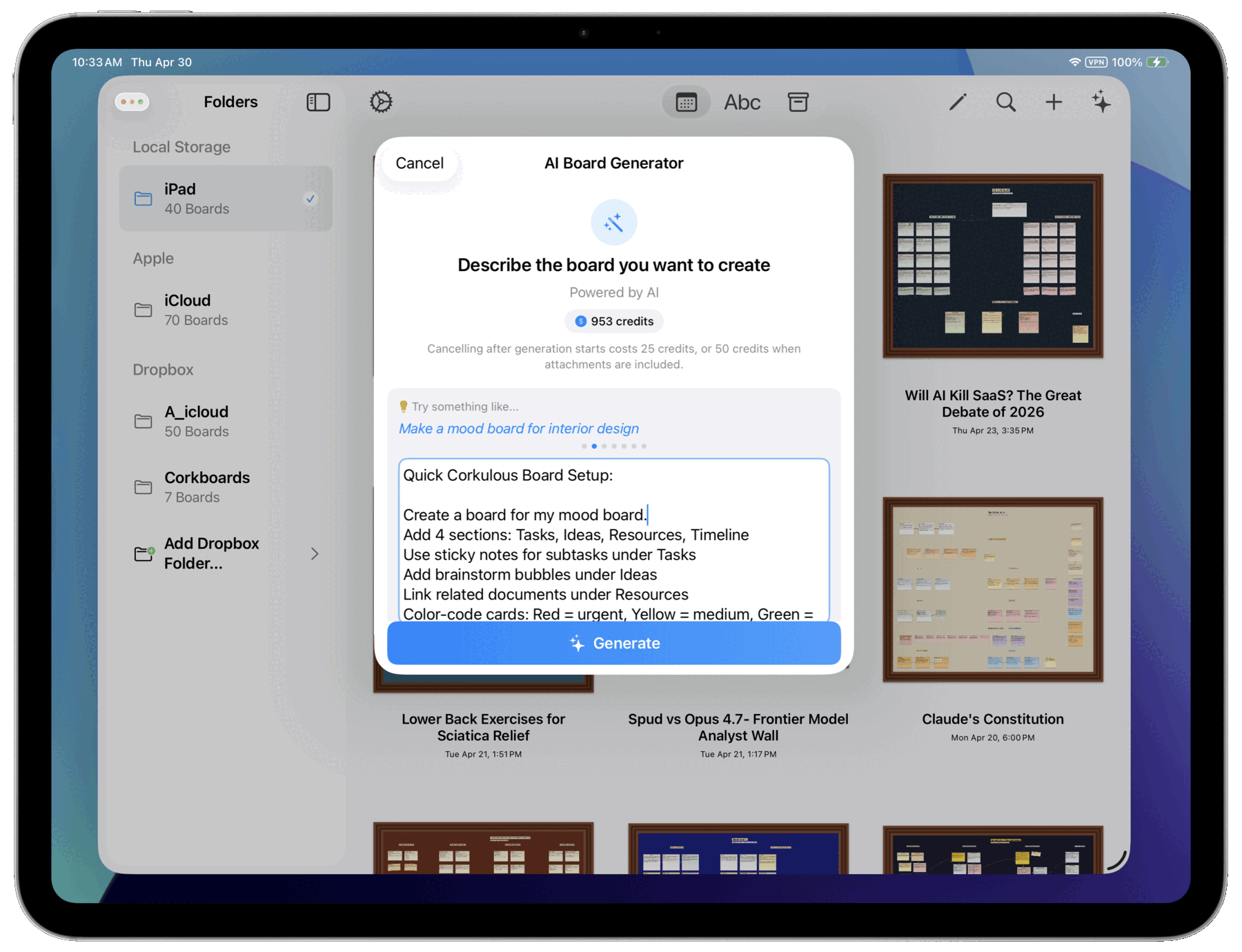
Turn a Prompt into a Board
Describe what you want: a lesson outline, a project roadmap, a research summary, or a story plan. Corkulous can create a board with notes, cards, shapes, and connections. Supported workflows can also use attached documents and enabled web research.
Provider Mode orchestration can coordinate a planner with research and media workers before assembling the board. Provider, model, tool, and worker settings determine what is available for a run.
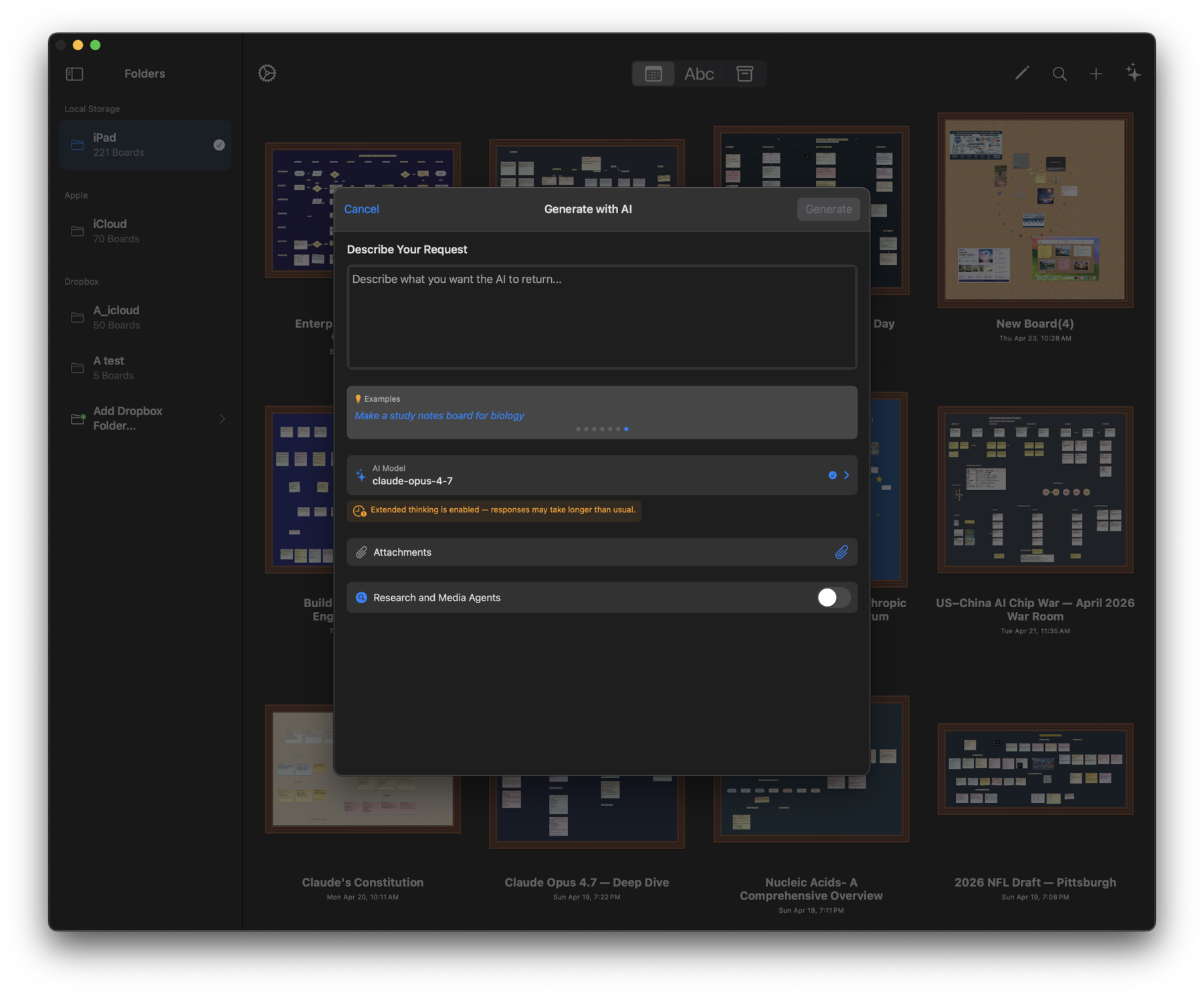
Generate a board or explore workers and orchestration.
Keep Working with the Agent
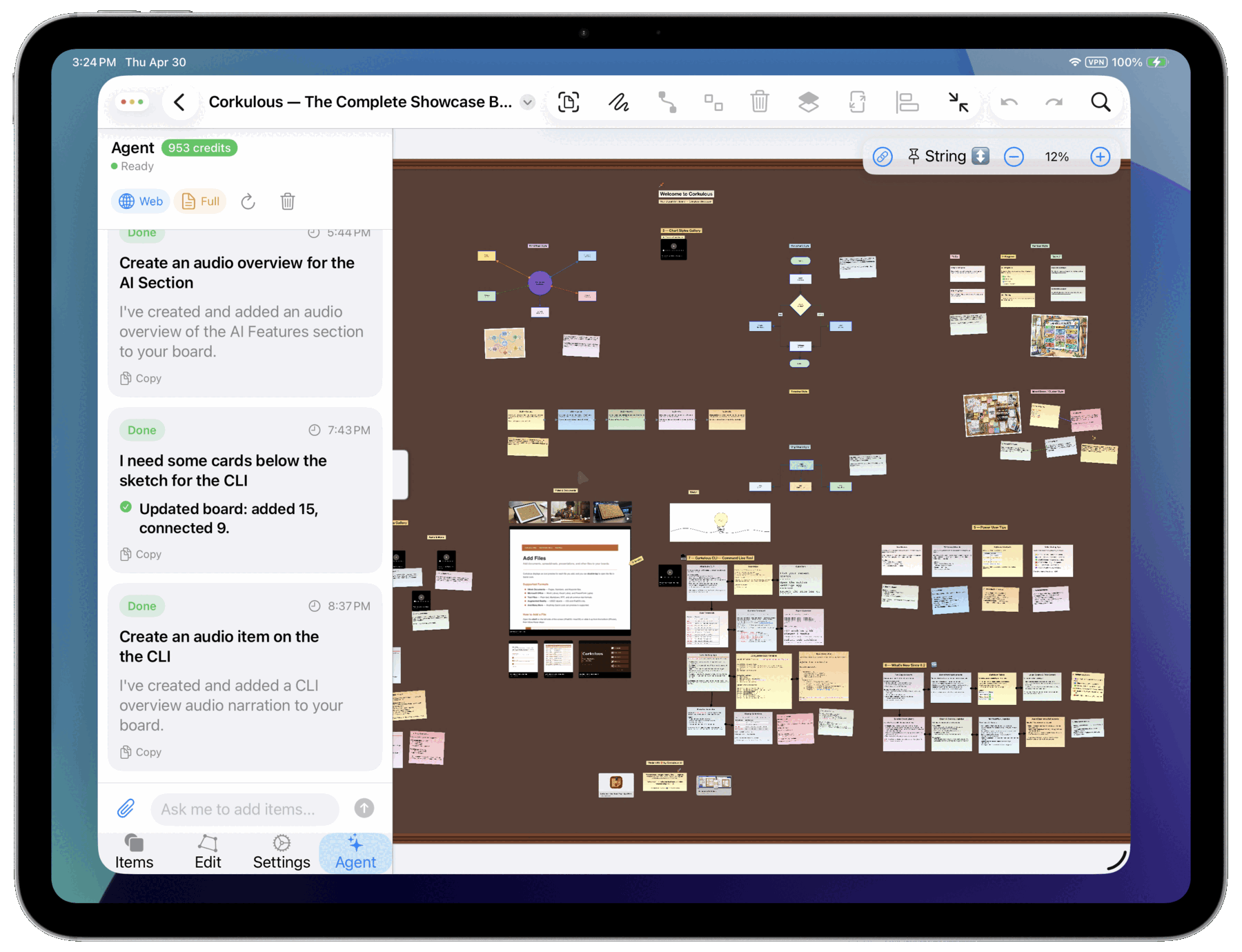
The Agent can use context from an open board to help add items, organize information, generate media, or research a question with enabled tools. Ask it to draft a summary card, add tasks, or explain a topic already on the board.
Streaming responses and tool progress show what it is doing. Context controls let you adjust how much board information is included. Review changes and use undo when a result is not what you intended.
AI can misunderstand instructions and produce incorrect facts or sources. Check the result before relying on or publishing it.
Choose Credits or Your Own Provider Keys
| Credits | Provider Mode | |
|---|---|---|
| Devices | iPhone, iPad, and Mac | Mac, plus iPhone and iPad on iOS or iPadOS 26 or later |
| Setup | Email sign-in to AI Credits | Your own provider API accounts and keys |
| Billing | Corkulous Credits balance | Providers bill your accounts directly |
| Features | Boards, Agent, images, narration, and music | Supported text, media, research, and orchestration features; also video |
With Credits, your balance and history follow the same Credits email across your devices. Buy packs through the App Store; the purchase sheet shows current local prices. Your app subscription or lifetime license is separate from your AI balance, and a welcome award is not a recurring subscription allowance.
With Provider Mode, configure supported services such as OpenAI, Anthropic, Google, xAI, and ElevenLabs. Choose models for the capabilities they support and manage usage with those providers. You can switch between the two modes on Mac and on iPhone and iPad running iOS or iPadOS 26 or later. Earlier iOS and iPadOS versions use Credits for AI.
How Credits work · Set up Provider Mode.
Add Images, Narration, Music, or Video
Generate an illustration, turn text into spoken narration, or add music to a creative project. Available settings depend on the feature and provider.
Video generation uses Provider Mode, with supported Google or xAI video models. It is not available through Credits. Narration and music are supported through both Credits and configured Provider Mode workflows.
Explore media features · Video generation.
Understand Cost Before a Larger Run
Credits operations may reserve a balance before starting and settle the final charge afterward. Provider Mode orchestration can make several billable model, research, and media calls. Completed work can still be charged if a later step fails; cancelling or retrying does not necessarily make that work free.
Check the app’s estimate or your provider’s pricing, and begin with a small request when trying a new configuration.
Know What Leaves Your Device
AI requests can include prompts, relevant board or conversation content, attachments, media instructions, and search queries. A workflow may involve more than one service.
Providers may retain inputs, generated outputs, and technical records under their applicable policies, API terms, account settings, and agreements. Their API rules can differ from consumer-chat policies. Deleting a board or Credits account in Corkulous does not automatically erase provider-held copies.
Our provider privacy and data-use directory links the AI and search services used by Corkulous, with API-specific information where available. Review those policies before sharing sensitive information.
